 Cadsense
October 2026
Introducing Cadsense
Automated CAD review.
Cadsense is almost ready for you to use on your own CAD. Here's how it works and what you'll need to try it.
Point it at an Onshape document or a SolidWorks file and ask for a review. Claude or Codex works through the model the way a mentor would and pins comments to the parts they're about.
Design reviews are the bottleneck
Before final approval, a mechanism usually goes through five major revisions. Each one means sitting down with a mentor to review it by hand, and that has a few problems:
- Mentors aren't always available.
- Each review takes hours of a mentor's time.
- Small mistakes, like bad clearances or overlapping parts, are easy to miss in a visual review.
Code already solved this
Software teams had the same bottleneck. Every change waited on a senior engineer to read it. Since 2023, tools like CodeRabbit and Greptile review every change automatically. They flag real bugs within minutes, and a human only steps in to make the final call.
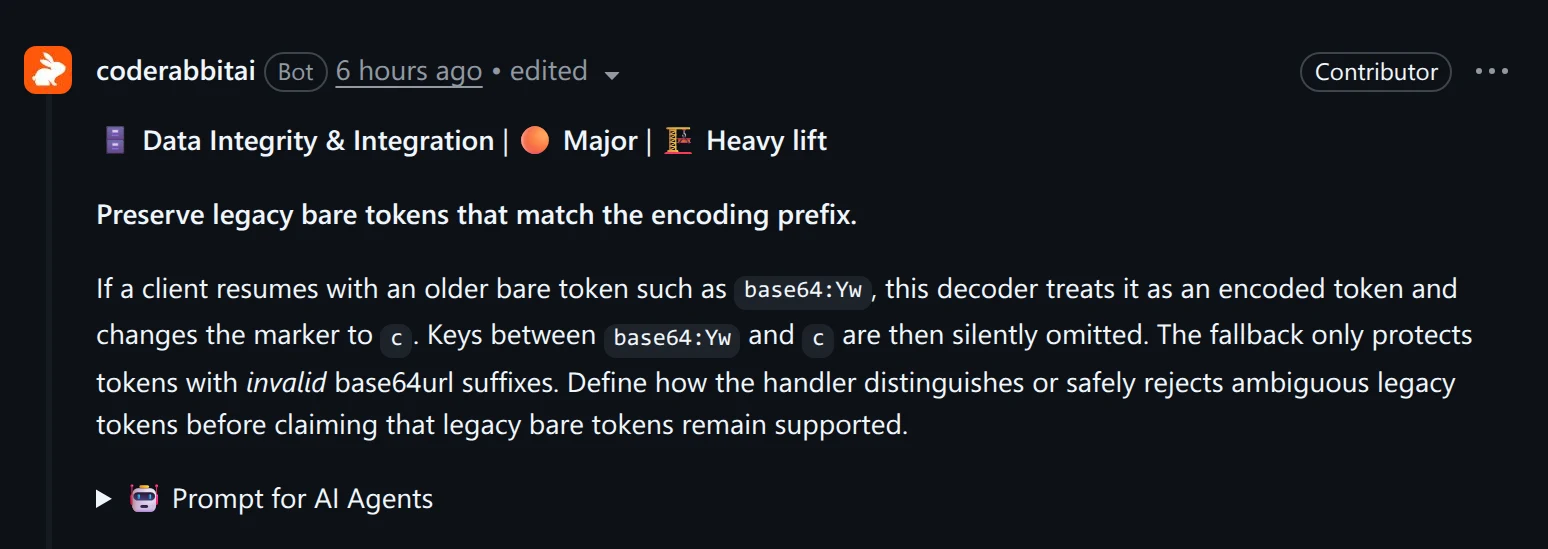
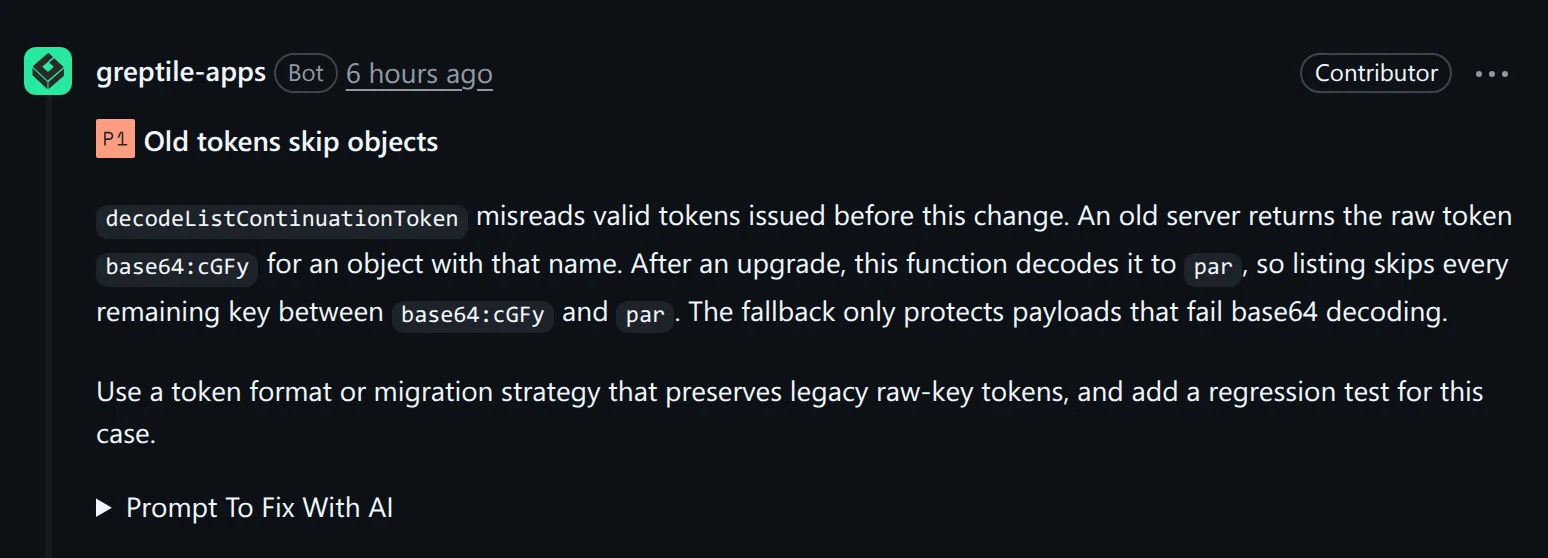
CAD has nothing like it yet.
The gap
What Onshape and similar tools check
- Parts that overlap
- Clearances you set up yourself
- Mass and center of gravity
What mentors check
- Can we actually make this part with our tools?
- Is everything accessible?
- Is it durable?
- Does it follow our design standards?
CAD tools catch what you tell them to look for. Mentors catch what you didn't think to ask about. Cadsense is built to do both.
Cadsense reviews CAD like code
Open up a project and Cadsense flags problems before a mentor ever sees them: interference, missing fasteners, bad clearances. Mentors still sign off on the final design. They just stop spending meetings on mistakes a tool could catch, so you and they can focus on what really matters, the design.
I ran it on an elevator cascade before its design review. It left 13 comments on the 361-part model. One was a blocker. The 40T gear sticks out about 1.5 mm past the carriage tube and grinds into a newly added cable clamp plate. Nobody had checked the plate against the gear, because the gear hadn't changed.
Comments land on the part
The reviewer pins each comment to the exact part it's about. Click a comment and the view jumps there, with any parts in the way ghosted out. Each one is rated blocker, concern, question, or nit, so you know what to fix first.
It checks what changed
Each time you sync a new revision, the reviewer compares it to the last one. It checks whether you fixed what it flagged, and it only reviews what changed. Comments on parts that moved, changed shape, or got deleted are marked outdated, and it can propose resolving the ones you fixed.
Mentors work the same way. They remember what they asked you to fix, and they check that first.
Push back, and it learns
You resolve, discuss, or dismiss each comment. Discuss starts a chat message about that comment so you can argue with it. A dismiss reason becomes a learning that every later review reads, so the same false alarm doesn't come back.
Claude or Codex
Reviews run on Claude Code or Codex, on whichever plan you already have, including ChatGPT's free tier. Pick the model per chat.
 Claude Code
 Codex
Onshape, SolidWorks, or a STEP file
Onshape documents sync through the Onshape API. SolidWorks parts and assemblies open through the SolidWorks installed on your computer.
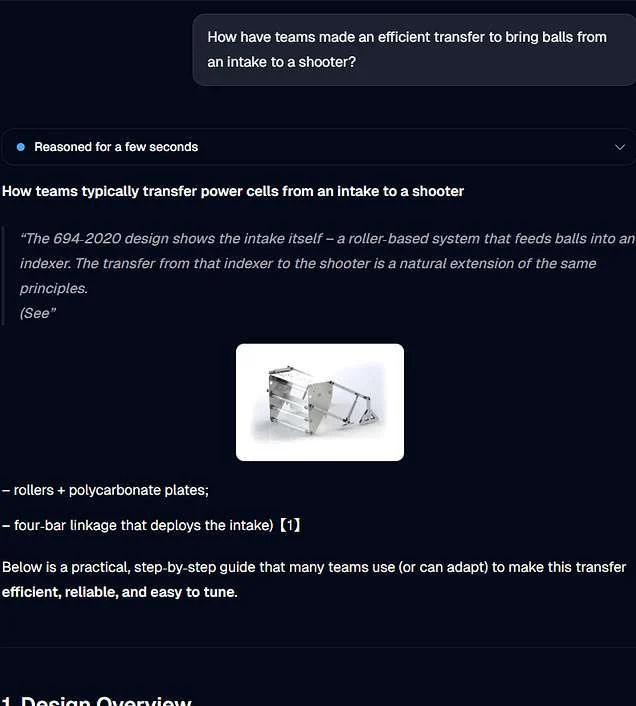
Grounded in what other teams built
The reviewer will be integrated with FRC RAG, so it can draw on 64 technical binders from 10+ years of FRC. Most mechanisms aren't new. When it flags a problem, it will show you how other teams already solved it. That way the feedback is grounded in what real teams built, not what an AI guesses should work.
How it works
The agent works the viewer the way you would. It finds parts, ghosts and isolates them, cuts sections, explodes the assembly, and measures gaps. It checks each part against the design standards and your comments from earlier reviews, then reports what it found on the parts themselves.
While it works, the chat shows short notes and a thumbnail of every view it checked.
How much does the model matter?
The test was a disc transfer with eight known problems, like a drive that never reaches the rollers and a plate modeled twice. I ran the same review on it three times with each of seven models.
The models differ in what they find past the checks and how they explain it. Opus 5.5 wrote the clearest comments and found about four more real problems per run, like roller spacers pushing into their bearings. Luna and Astra found nothing beyond the eight obvious ones.
Beyond review: writing CAD
Review reads CAD. Cadsense also writes it.
FeatureScript the agent can run
An AI-written FeatureScript normally goes through a slow loop. You paste it into Onshape, wait for it to fail, and copy the error back. Cadsense runs FeatureScript locally on Onshape's own standard library, so the agent can test what it writes and show you the result before anything touches Onshape.
As a test, I had Claude merge two scripts which were being stitched together to model wire runs into one feature, then ran it on a test plate with a motor, a Spark MAX, a PDH, and a breaker.
Any .fs file in a project gets a live preview with Onshape-style inputs, and it updates right away. You can build a wire by clicking points on the model.
Manufacturing part drawings
Pick any part in a synced assembly and Cadsense lays out a drawing sheet with views, dimensions, and hole callouts.
CAM for plates
Right-click a plate in the parts list and Cadsense plans its router cuts. The cuts show up as an operations table and a timeline you can play, so you can see the order before anything gets cut. Then export the plate as a DXF.
What might come next
None of these are built yet. They're ideas I'd like to try, and I want to hear which ones you'd use.
- Gear and belt math with ReCalc. The reviewer could check gear ratios, center distances, and belt lengths against ReCalc instead of working them out itself.
- Folder cleanup. The agent could sort a messy document into folders by how each part gets made, like router plates, 3D prints, and COTS hardware, so parts are easy to find.
- Crayola CAD. The agent could sketch a first rough layout of a mechanism from a description, with blocks for the motors, shafts, and game piece, so you can check packaging before you CAD the real thing.
Try it
Message me and I'll help you get set up when I release the initial beta version in the coming weeks. Before you do, have these ready:
- The Claude Code CLI or the Codex CLI, signed in on any plan.
- For Onshape, an API key that can read documents.
- For SolidWorks, SolidWorks installed on the same computer.